Screen capture
made beautiful
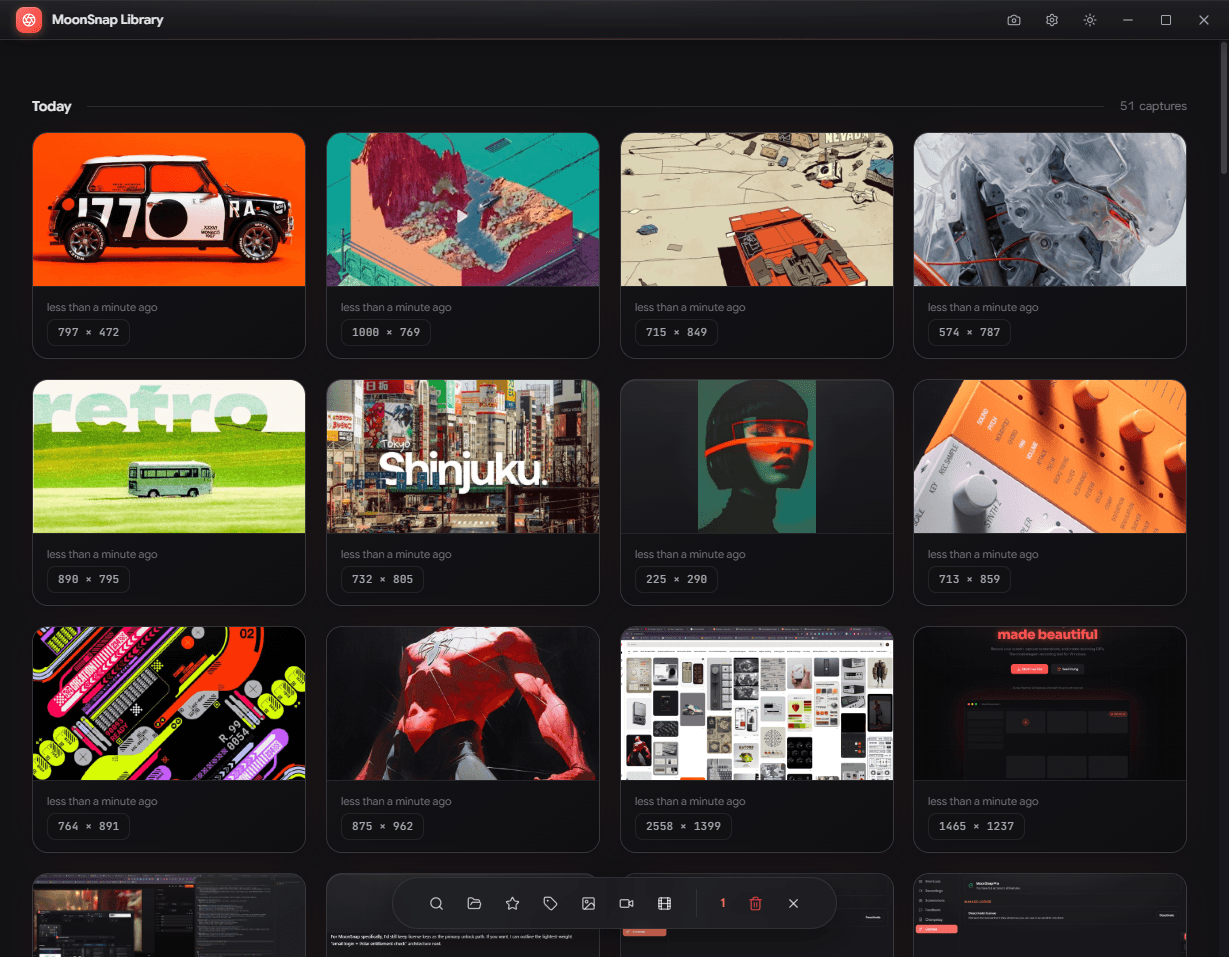

Everything you need to
capture & create
Professional-grade tools wrapped in an intuitive interface.
No learning curve, just results.
Screen Recording
Record your entire screen, a window, or a custom region. Crystal clear quality at up to 60fps.
Screenshots
Capture any part of your screen instantly. Annotate, blur, and highlight with built-in tools.

GIF Recording
Turn your captures into GIFs. Optimized for sharing anywhere.
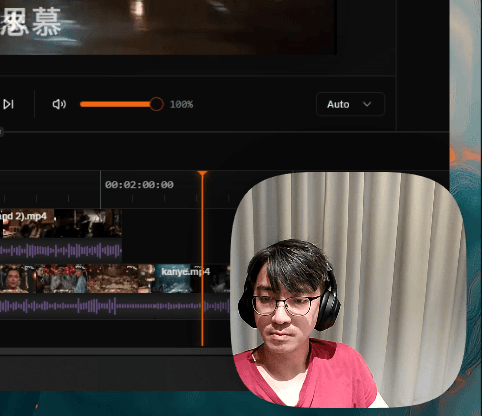
Webcam Overlay
Add your face to recordings with customizable webcam overlays. Perfect for tutorials.
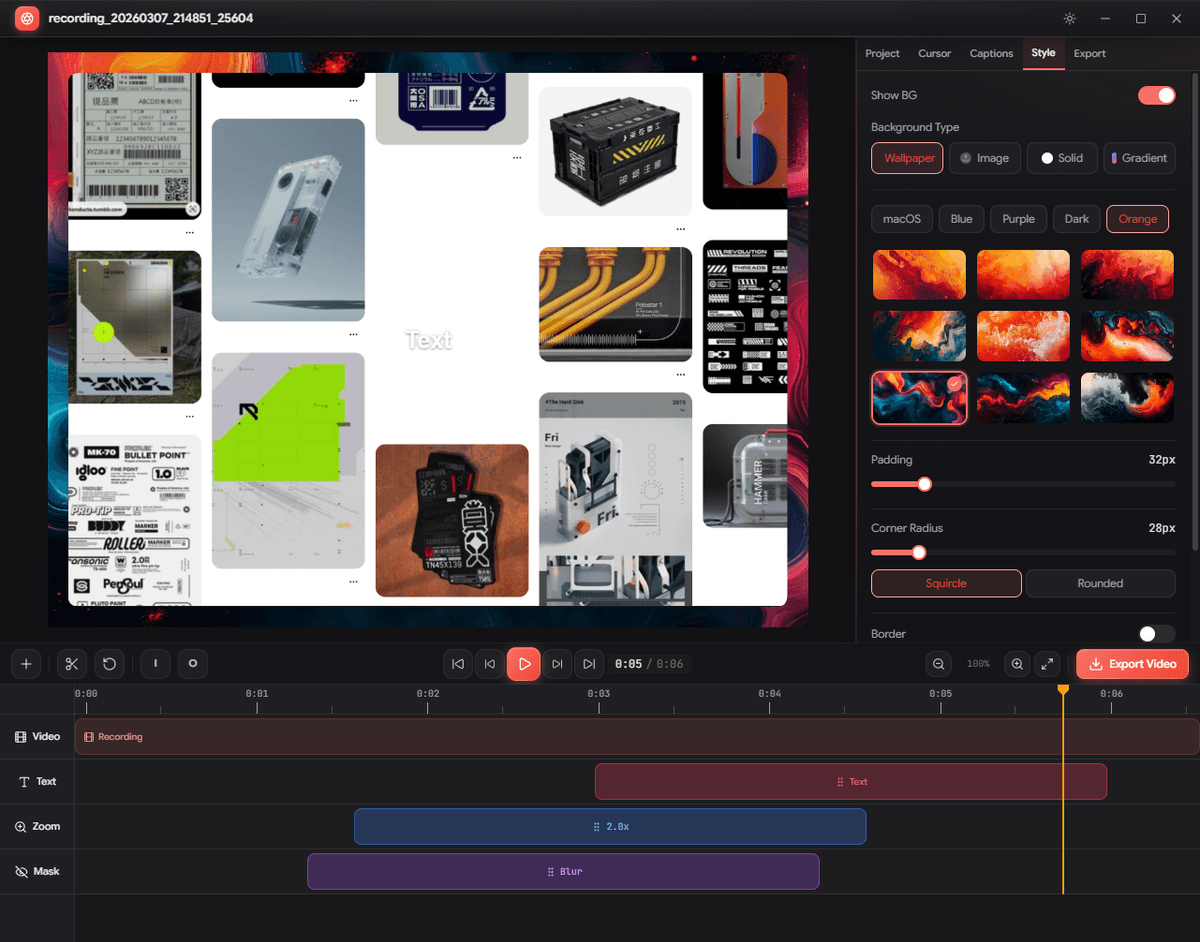
Video Editor
Trim, cut, and polish your recordings. Add captions, zoom effects, and custom backgrounds.
Auto Captions
AI-powered captions generated locally. No cloud upload, complete privacy.
Ready to start capturing?
Download MoonSnap and start creating polished captures.
Download for WindowsVersion 0.5.35 · Windows 10/11